Beta App Install - Android
Mobile
Mobile
Android - Google Play Store
- To download the BETA manyfastscan app by clicking the link to download it through the Google Play store: https://play.google.com/store/apps/details?id=com.MakeGravity.ManyFastScan
- Under “Join the Beta”, click “Join” and confirm you want to join.
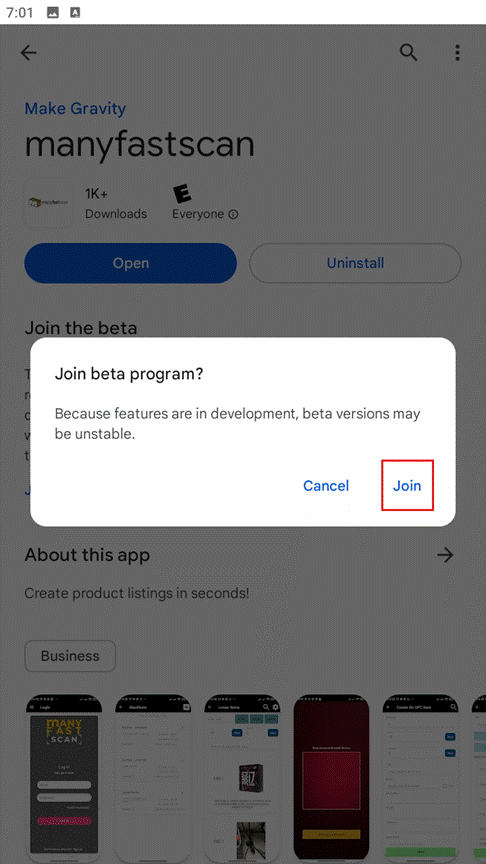
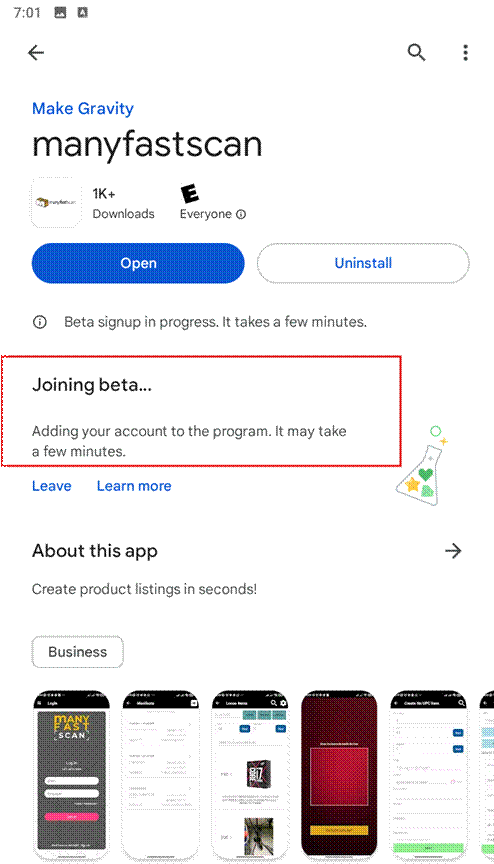
It will show you are joining the beta. This can take several minutes.
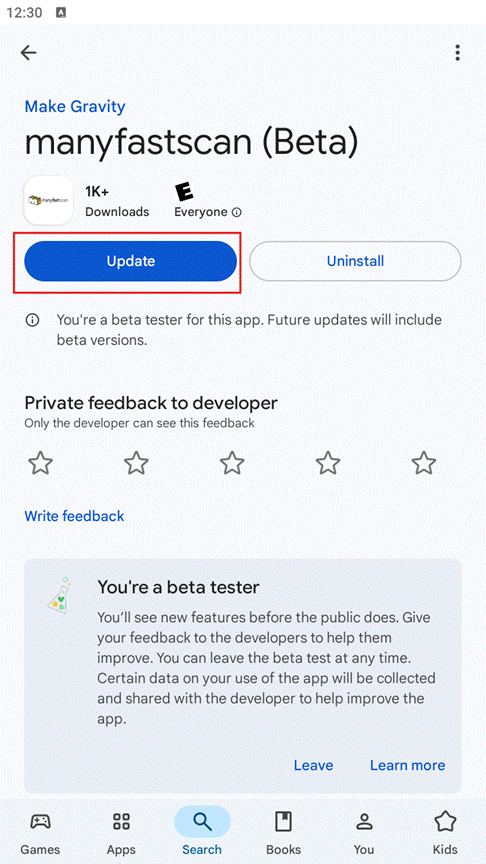
3. Once you have joined the beta, the title of the manyfastscan app will show like this at the top of the Play Store page. Click “Update” to install the latest Beta version.
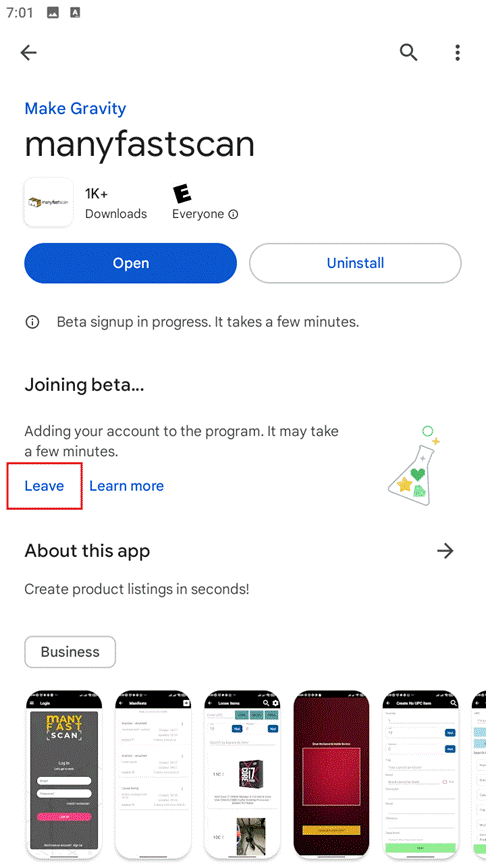
4. If there are any issues with the Beta App, you can visit the Google Play Store manyfastscan page, and “Leave” the Beta. This will take several minutes to do and then you can Update or reinstall the original version until issues are resolved. Join the Beta again at any time.
The Beta App sign-in screen will look like this 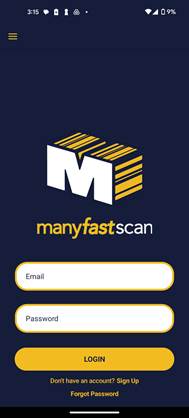
To download the BETA manyfastscan app by clicking the link to download it through the Google Play store: https://play.google.com/store/apps/details?id=com.MakeGravity.ManyFastScan
Under “Join the Beta”, click “Join” and confirm you want to join.
Related Articles
Beta App Install - Apple iOS
Mobile Mobile Apple iOS Install 1. Download the manyfastscan Beta app by clicking the link to download TestFlight: https://testflight.apple.com/join/zBCRnxjQ TestFlight is Apple’s app testing service. You will need to download this first to get the ...